 Experience OS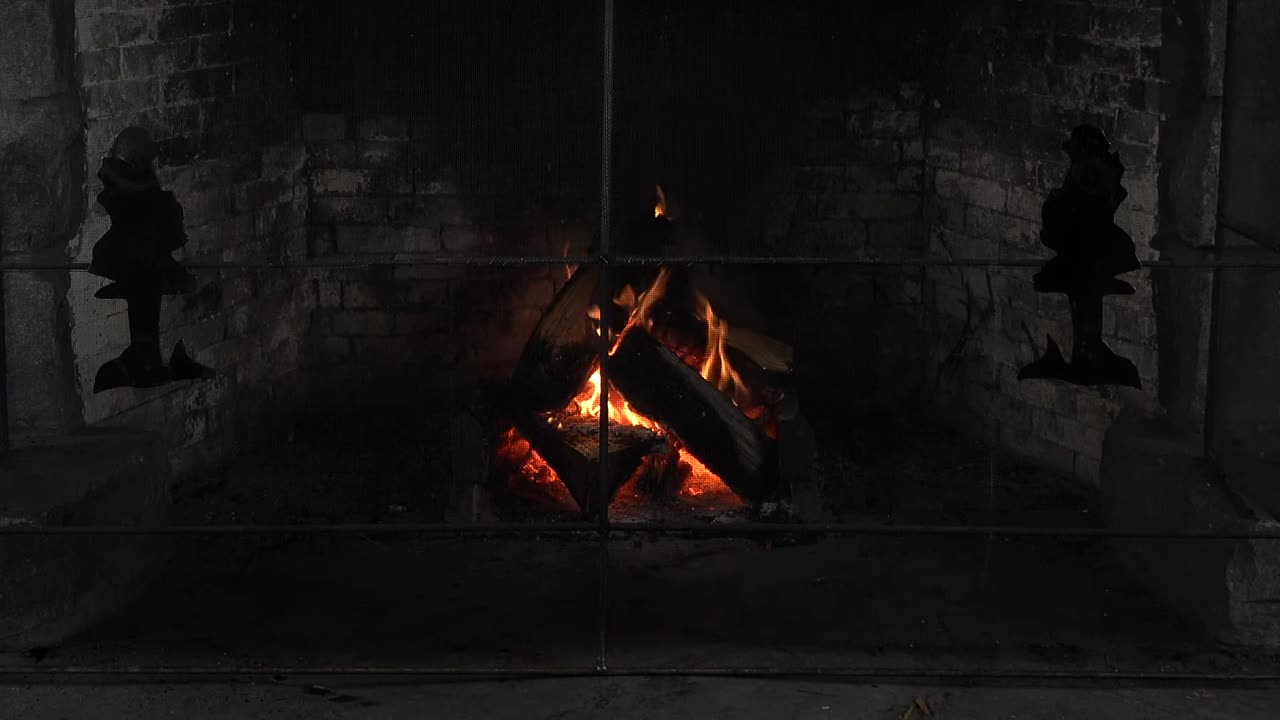
Fireplace Night
A real hearth and the glow of embers.

AMBIENCE FOR APPLE TV
Full-screen scenery, ambient sound and your Siri Remote. From a glowing fireplace to an open sea, choose the atmosphere for your evening.
Available on the App StoreInstall from the App Store on Apple TV. In-app purchases available.
Experience OS
Choose a setting for a slow evening, a reading break or the end of the day. The images below are actual frames from the Experiences.
A real hearth and the glow of embers.

A little space for the next chapter.
An open horizon at the end of the day.
Live · Dynamic · Full screen
Looking for a live or dynamic wallpaper for Apple TV? Experience OS plays moving scenes and sound full screen while the app is open. You choose when to start and stop.
Experiences run inside the app; they do not replace the tvOS system screensaver.
Siri Remote
Open Experience OS in the App Store on your Apple TV and install it.
Use your remote to choose a scene, an available look and a duration.
Adjust the scene sound, pause or finish. Your phone is optional for TV picture and sound.
Philips Hue
Compatible Philips Hue lights can extend the scene into a supported room setup. A Hue Bridge and local-network access are required; setup options depend on the installed app version.
Start with picture and sound even without Hue. Apple Music is optional on supported versions and needs its own account access and permission.
Setup support ↗Good to know
No. Experience OS plays full screen while the app is open. It does not integrate with or replace the Apple TV system screensaver.
A phone and Hue lights are optional for TV picture and sound. Shared controls and lighting setup depend on the options in your installed version.
The link opens the Apple TV App Store listing. On your Apple TV, search the App Store for Experience OS and install it there.
Begin with free Experiences. Premium access to the expanded collection is offered in the app; Apple shows current local pricing and terms before purchase.
Experience OS · Apple TV